Everything you need to
know, in one place
A complete, plain-language guide to Nyumba254 — how to search and message sellers, how to list and manage a property, how payments and reviews work, and how to manage your account.
Find your next place in four steps
From searching to moving in — see who listed each home and what a viewing costs before you get in touch.
Search your area
Browse by county and area, or search by keyword and price. Filter by property type and save your favourites to come back to later.
Open a listing you like
See every photo, the full specs, amenities, price, and an approximate map location. Multi-unit properties show live availability per unit type.
Message the seller
Send an enquiry straight from the listing — no account required. Request the seller's number to call or WhatsApp if they've made that available.
Arrange a viewing & move in
Agree terms directly with the lister, whether they are an owner, caretaker, agent, or company. Review any disclosed viewing fee before requesting a viewing; Nyumba254 does not collect it.
Get your listing live and working for you
Fill in the details, upload photos, and submit — our team reviews it, then it's live for buyers to find and message you directly.
Create a free seller account
Sign up with your email. Your account is where you post listings, chat with buyers, and track views and enquiries. Your progress auto-saves as a draft as you go.
Choose your property type
Pick the category that matches your property — each one asks for the details that actually matter for it.
Add the basics & pin your location
Title, description, price and how it's billed, plus your county and area. Drag a pin to your exact spot, or use GPS in one tap — buyers see the general area, and the exact address is only shared once someone enquires.
Fill in the details, amenities & photos
Add category-specific details, tick off amenities, and upload clear photos. A multi-unit property can list several unit types with their own price and availability, tracked separately once live.
Add contact info & submit for review
Choose whether buyers can call/WhatsApp you directly or only message you on Nyumba254, agree to the terms, and submit. Every listing is checked by our team before it goes public.
Go live & handle enquiries yourself
Your first listing is free for a trial period. From there, buyers message you directly and you manage everything — messages, viewings, and marking it sold or occupied — with zero commission on the deal itself.
Every type of property, every budget
Whichever side you're on, listings fall into five categories — each with its own relevant fields and filters.
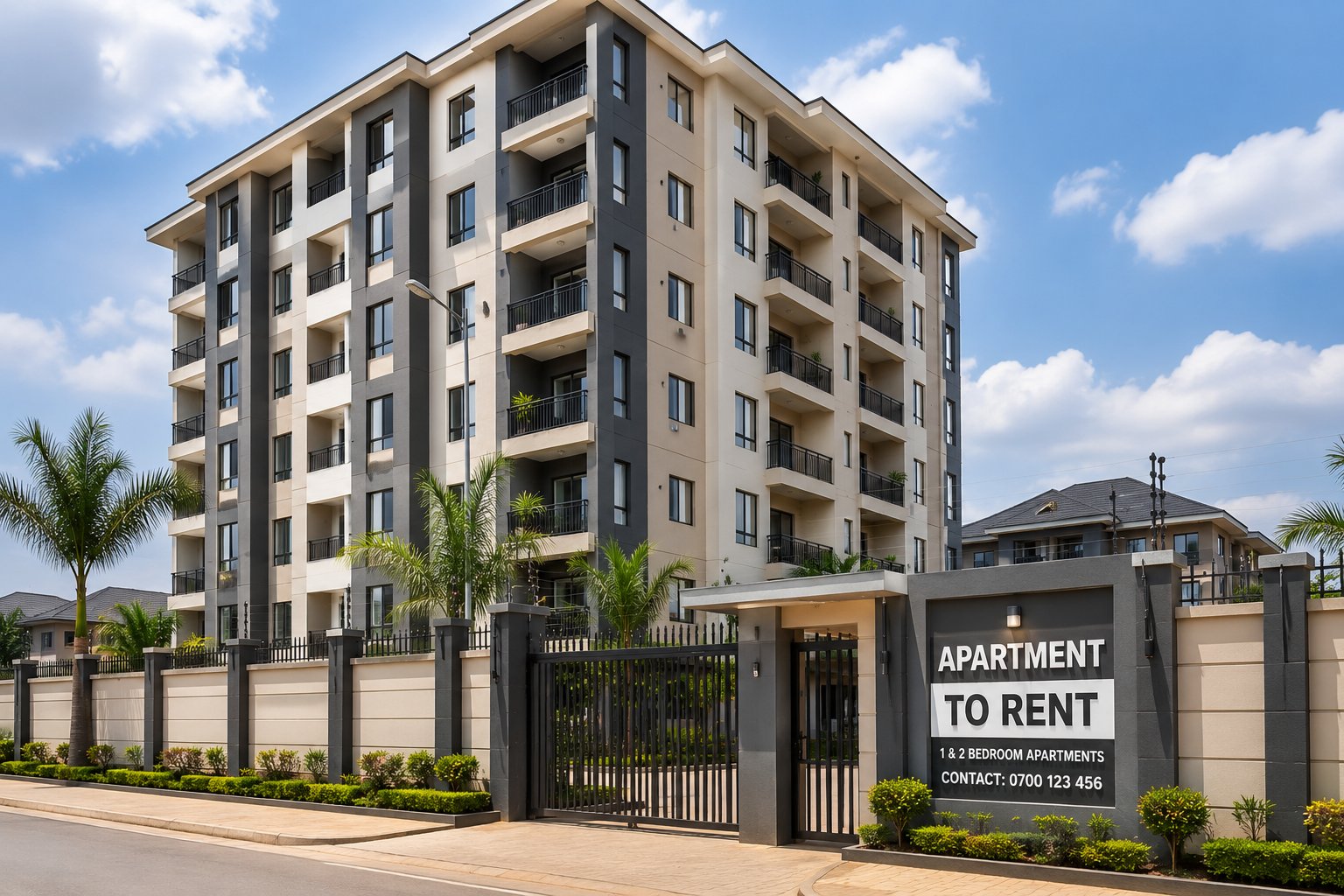
Apartment
Flats, units, and compounds — from studios to multi-bedroom homes. Larger blocks can list several unit types, each with its own price and availability.
House
Standalone homes and yards for families and professionals wanting more space and privacy — for rent or for sale.
Boarding House
Student rooms and bed spaces near institutions. Each room type is priced separately with live availability shown per room.
Airbnb / Holiday Rental
Short stays and furnished rentals — guest count, minimum stay, and house rules are all listed up front. Some sellers add a short video walkthrough too.
Shops & offices
Retail shops, offices, showrooms, and warehouse space — for lease or for sale — with frontage, floor area, and fit-out condition noted.
Every conversation, in one thread
Whether you're enquiring as a buyer or replying as a lister, all of it happens in the same place — no separate app to install.
Sending an enquiry
Tap "Send inquiry" on any listing, add your name and a short message — no account needed. You'll get a private link to keep track of the conversation, and can carry on chatting right from the listing page or your inbox.
Calling or WhatsApp
If a lister has allowed direct contact, a "Reveal number" option appears so you can call or open WhatsApp with a pre-filled message. Some listers keep conversations chat-only for extra privacy — you'll see that clearly on the listing.
Booking a viewing
From a conversation, request a viewing with your preferred date and time. The lister confirms directly with you — Nyumba254 doesn't schedule or attend viewings on your behalf. Check the listing for its viewing fee: agents and companies set any fee themselves, it is paid directly to the person you meet, and Nyumba254 does not collect it. Read the Viewing Fee Policy draft (needs legal review before launch).
Multi-unit & room-type listings
Boarding houses and multi-unit blocks show which room/unit types are still open. Enquire about a specific type, and the seller sees exactly which one you mean.
Good habits, either side
- Keep the exchange on Nyumba254 as long as possible — it's how disputes and reports get resolved.
- Never pay rent, a deposit, or any unlisted fee before you've physically viewed the property and verified the lister.
- Listers: replying quickly and clearly helps home seekers make informed decisions.
- Buyers and tenants: mention move-in date and budget up front — it speeds up the lister's reply.
Never lose track of a listing you liked
Saved listings
Tap the heart icon on any listing card to save it. Your saved list lives on this device — visit Saved from the top menu anytime to revisit or remove them.
"Notify me" alerts
Haven't found the right fit yet? On the Browse page, set up an alert with your budget, area, and property type — Nyumba254 lets you know when a matching listing goes live.
Email & in-app updates
If you leave your email while enquiring, you'll get a notified when a seller replies — handy if you close the tab before the seller responds.
Keeping your listing accurate
Once your listing is live, everyday changes are quick — no need to repost.
Editing details
Update the description, photos, and amenities anytime from your listing card. Changes to price, location, or category go through a quick admin check to keep listings trustworthy for buyers.
Pause, mark sold or occupied
Pause a listing to hide it temporarily without deleting it, or mark it sold/occupied once you've closed a deal — it comes off public search immediately but stays in your history.
Unit-by-unit availability
For boarding houses and multi-unit blocks, mark individual rooms or units as occupied or available as they fill up — buyers always see the current picture.
Free video walkthroughs
Add one video link for free (or up to five on a yearly plan) to give buyers a fuller sense of the space before they message you. Videos are reviewed quickly before appearing on the listing.
Contact privacy
Choose per listing whether buyers can reveal your number to call/WhatsApp, or must message you through Nyumba254 only — useful if you'd rather screen enquiries first.
Deleting a listing
Remove a listing permanently at any time from your listings. This is separate from pausing — once deleted, its messages and history go with it.
Built on real feedback
Reviewing a seller
After a successful contact, buyers can rate and review the seller. These reviews sit permanently on the seller's profile and factor into their trust standing.
Sellers can respond
Sellers can reply publicly to a review left about them — a chance to clarify or thank the buyer. Responses appear right under the original review.
Keeping reviews fair
Reviews should reflect a genuine interaction on the platform. Reviews that look fake, abusive, or unrelated to an actual enquiry can be reported and are checked by our team.
Built for Kenya
Every listing is reviewed
Listings are reviewed before publication. Identity checks confirm identity only; every lister's role remains self-declared and is shown separately from identity status.
Conversations stay safe
Messages go through Nyumba254 first. A lister's number is only shared when a viewer chooses to reveal it. Anyone can report a suspicious listing or lister at any time.
M-Pesa payments and clear fees
Listing fees are paid by M-Pesa and shown before payment. Nyumba254 charges no deal commission on a completed sale or rental; eligible listers set any viewing fee, which is paid directly to them.
How identity checks and role badges work
Identity checks review identity documents only. A role such as owner, caretaker, agent or company is self-declared and is not proof of ownership or authority to list. An identity badge does not guarantee a property's availability or condition.
Listers may set up their account and listings before identity verification, subject to the platform's current limits. Check the listing for any viewing fee, pay only that disclosed fee directly to the lister, get a receipt, and never pay rent or a deposit before viewing.
Reporting a listing or a seller
Use the "Report" button on any listing to flag a fake listing, a scam attempt, or content that looks off — with an optional note on what happened. Our team reviews every report and can suspend accounts that break the rules.
Try it free. Pay only once you're ready to go live.
There's never a fee to browse or to post — you only pay when a listing is approved and about to be published, and only for that listing.
Your first listing
- Full listing with all details
- Up to 10 photos
- Reviewed by our team before going live
- Buyer messaging & enquiries included
Sales & rentals
- Applies to Apartments, Houses, Boarding Houses, and Shops & Offices
- Fee shown as an estimate before you submit
- Pay via M-Pesa once approved
- Stays live until you mark it sold or occupied
Airbnb / holiday rentals
- Keeps your listing live and bookable
- Upgrade any time to cover more properties
- Cancel or change your plan whenever you like
Nyumba254 charges no commission on a sale or rental deal. Listing and plan fees are shown before payment. Agents and companies may set a viewing fee, shown on the listing and paid directly to the lister; Nyumba254 does not collect it.
Your account, your settings
A few things every account holder — buyer or seller — can control at any time.
Profile details
Update your name, phone number, email, and password from your profile page at any time. Listers can also keep a public bio and area with their active properties in one shareable storefront, making their listing details easier to organize and find. Changing your email sends a verification link to the new address before it takes effect.
Notification preferences
Choose which emails you receive — new enquiries, listing approvals, expiry reminders, payment confirmations, and general platform updates — each can be switched on or off individually.
Password & sign-in
Change your password anytime — you'll stay signed in afterwards. If you ever suspect unauthorised access, changing your password immediately is the fastest way to secure your account.
Verification status
Sellers can start or check the status of identity verification from their profile. It's optional, reviewed by our team, and adds a trust badge to your listings once approved.
Pausing everything at once
Going away for a while? Sellers can pause all active listings in one action from their account — they're hidden from search but stay saved, ready to reactivate.
Signing out
Sign out from any device at any time from the account menu. Your listings, saved items, and settings are always kept safe and waiting for you next time.
If you decide to leave
Deleting your account is permanent and cannot be undone. Here's exactly what happens and how to do it, whether you're a buyer or a seller.
How to delete your account
Go to your profile
Sign in and open your profile page from the account menu.
Scroll to the Danger Zone
Near the bottom of your profile page, you'll find account-level actions, including Delete account.
Confirm by typing DELETE
You'll be asked to type DELETE into a confirmation box — this is a deliberate extra step so deletion is never accidental.
Account and data are removed
Your account, listings, photos, and enquiry history are permanently deleted, and you're signed out and returned to the homepage.
This cannot be undone
- All of your listings, photos, and messages are permanently removed.
- Any active listings go offline immediately — buyers can no longer find or message you.
- Reviews you've left or received elsewhere are not automatically deleted, since they may relate to another party's record.
- Payment records are kept for a period as required by financial record-keeping rules, even after account deletion.
Not ready to fully delete?
If you just want a break, sellers can pause all listings or sign out instead — both are reversible, unlike deletion. See Managing your account above.
Buyers without an account
If you only ever sent an enquiry as a guest (without creating a seller account), there's no account to delete — your conversation history is tied to your device via a private link, and you can simply stop using it. To have any personal data associated with your enquiries removed, contact us and we'll handle it directly.
A few common questions
Ready to get started?
Whether you're looking for a home or listing one — it starts free and takes just a few minutes.